Music
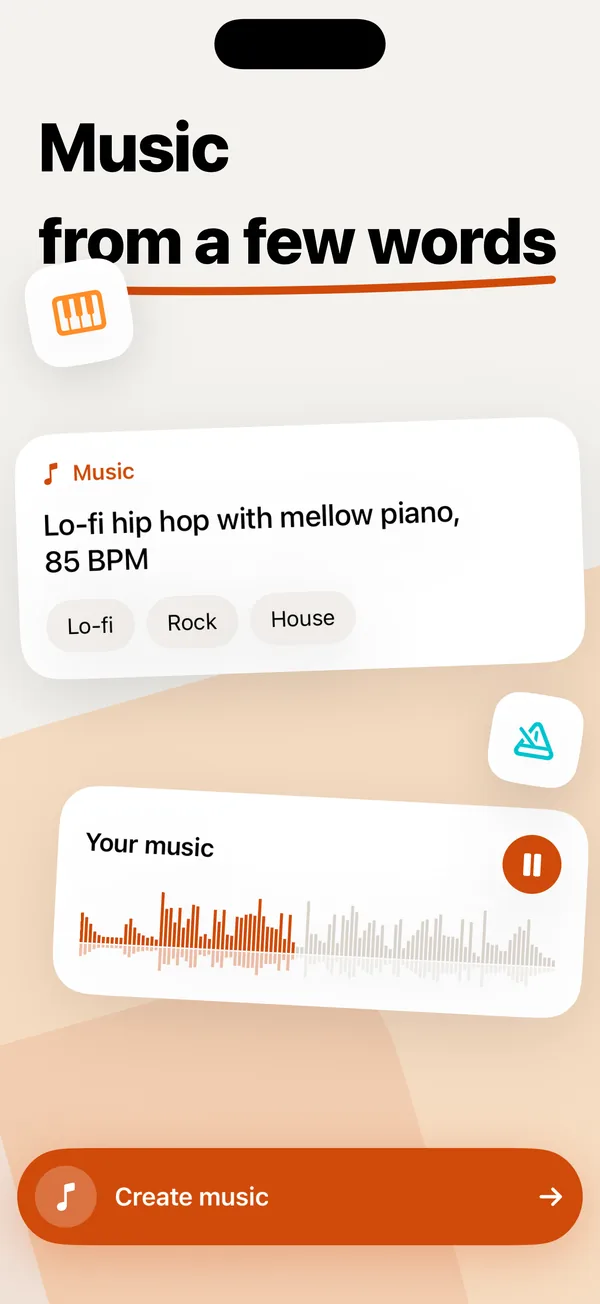
Describe the genre, mood, instruments and tempo, by typing or by voice. Your iPhone composes an instrumental track up to 2 minutes long in seconds.
Stable Audio 3 Small by Stability AI. Downloads once, about 880 MB.
AI audio studio for iPhone
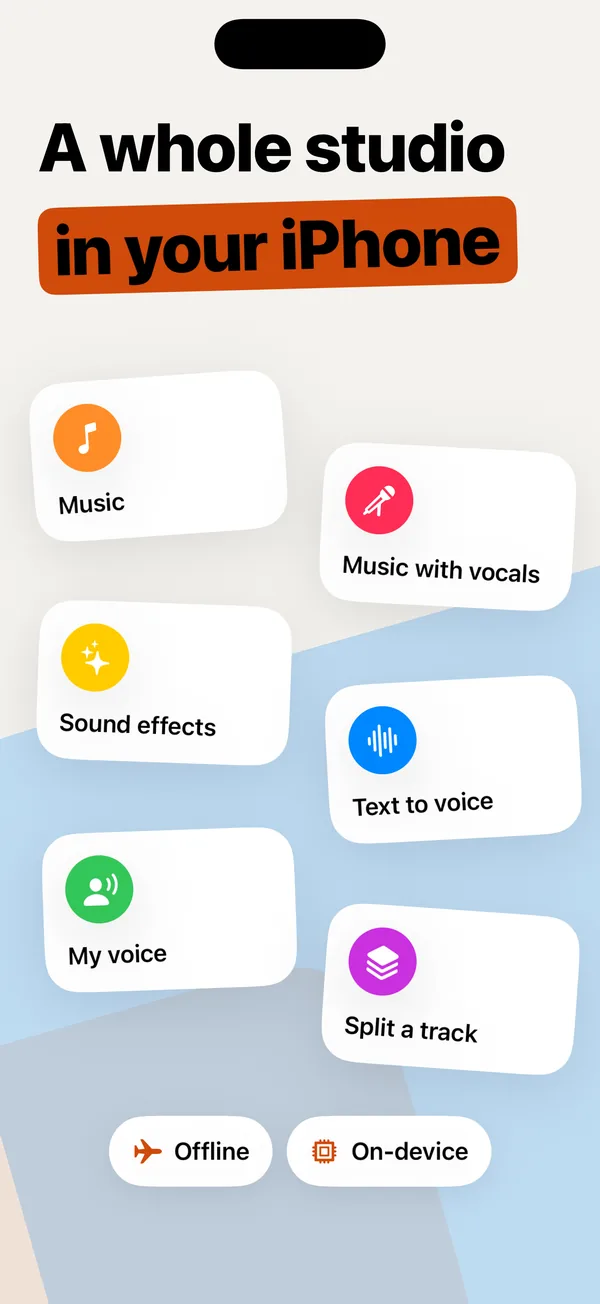
Music, songs with vocals and sound effects from a few words. Any text read aloud in your own voice. Any song split into vocals, drums, bass and more. Every AI model runs on your iPhone: nothing is uploaded, it works offline, and there are no credits or limits.
For iPhone with iOS 18 or later. Free to download.
Create, split, mix and listen for free, as much as you like. Premium when you want to save and share.
Describe the genre, mood, instruments and tempo, by typing or by voice. Your iPhone composes an instrumental track up to 2 minutes long in seconds.
Stable Audio 3 Small by Stability AI. Downloads once, about 880 MB.
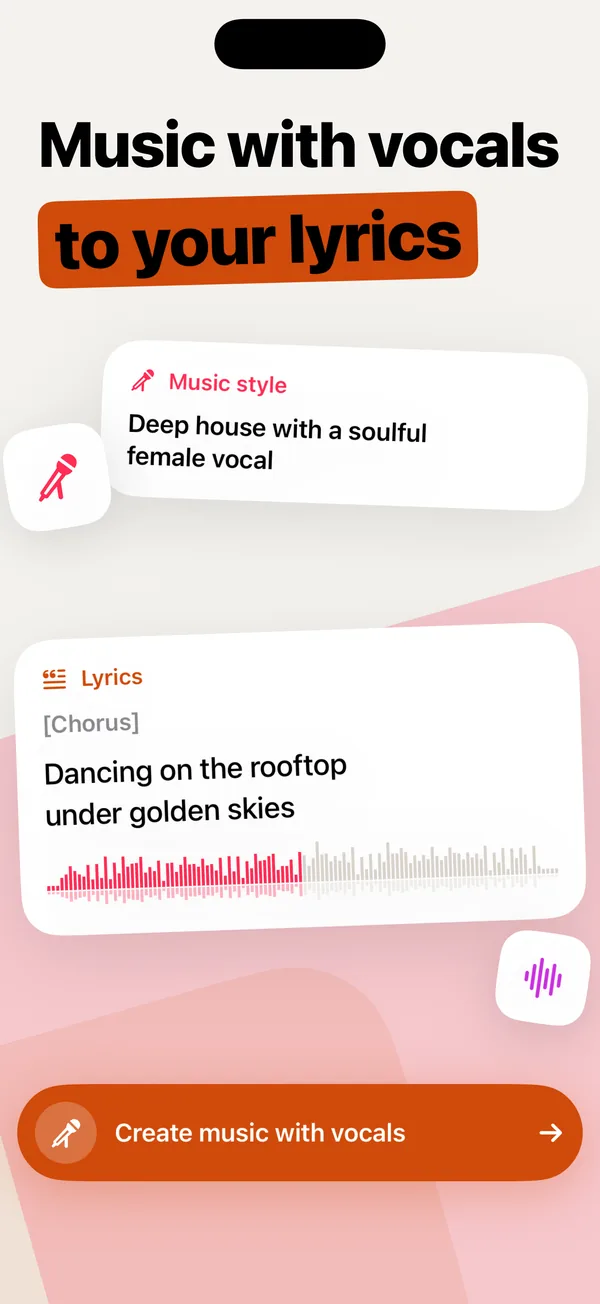
A song sung to your lyrics: paste your own text or let the lyrics assistant write it from a topic, then edit by typing or by voice. Add “Sound like this” to borrow the sound of a track you own.
ACE-Step 1.5, about 6.7 GB; lyrics assistant (Gemma 3) about 2.6 GB. iPhone 15 Pro or newer.
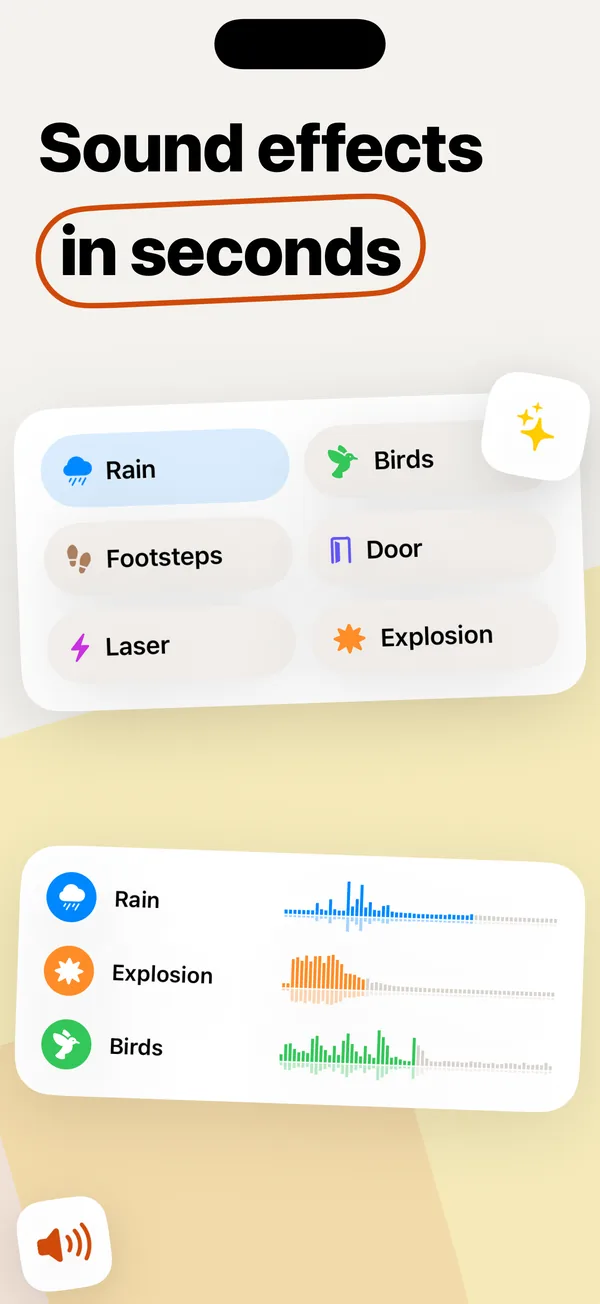
Rain on a tin roof, a creaking door, a laser shot, an explosion: describe it and get the sound in a couple of seconds, from 3 to 30 seconds long.
Stable Audio 3 Small SFX. About 480 MB more once music is installed.
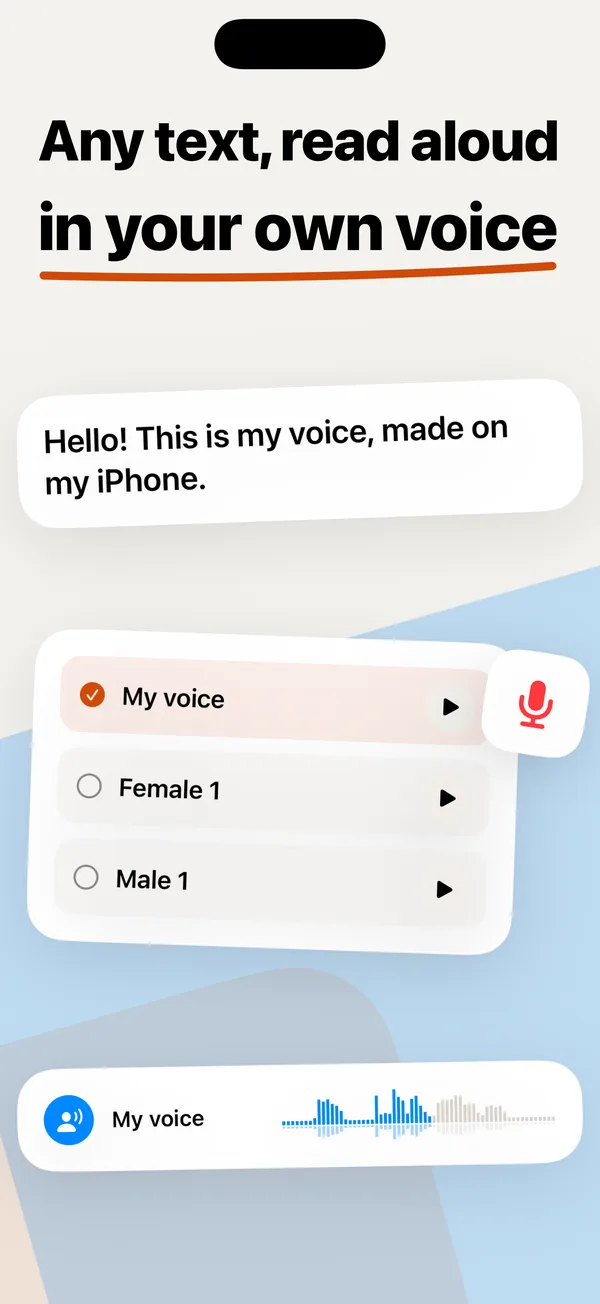
Natural speech from any text with built-in voices in more than 30 languages, or in your own voice from a short recording.
Your own voice needs iPhone 15 Pro or newer.
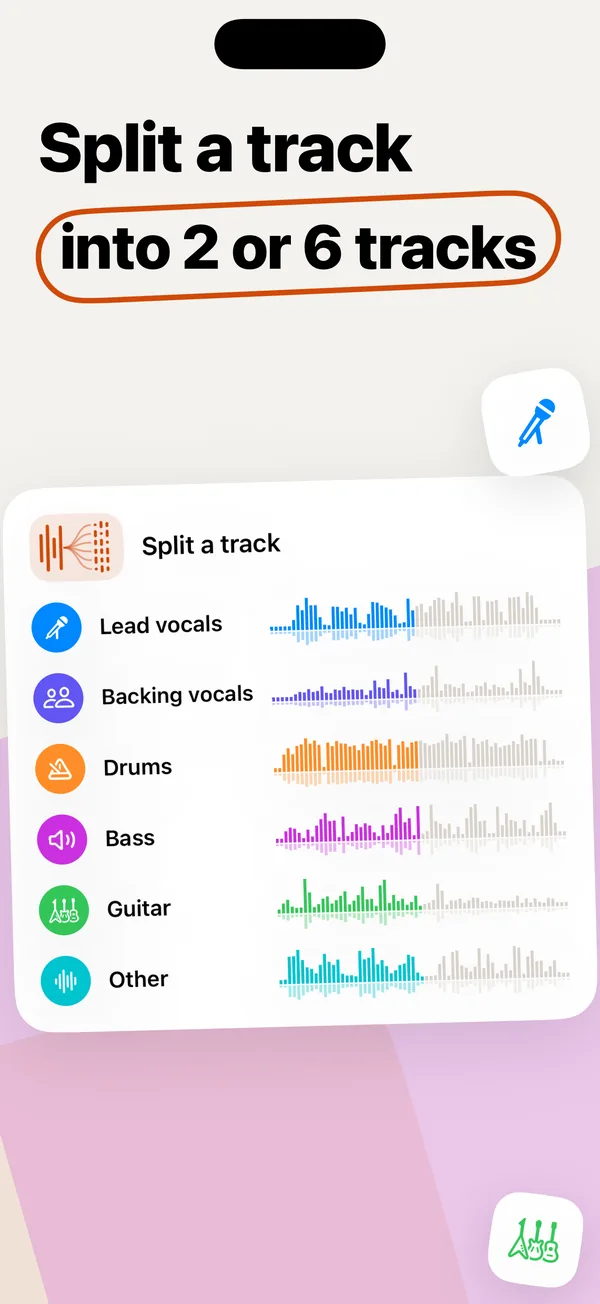
Split any song or video into 2 tracks (vocals and accompaniment) or 6: lead vocals, backing vocals, drums, bass, guitar and other. Then mute, solo, and change tempo and key in the mixer.
Import from Files, Photos or “Open in” from any app.
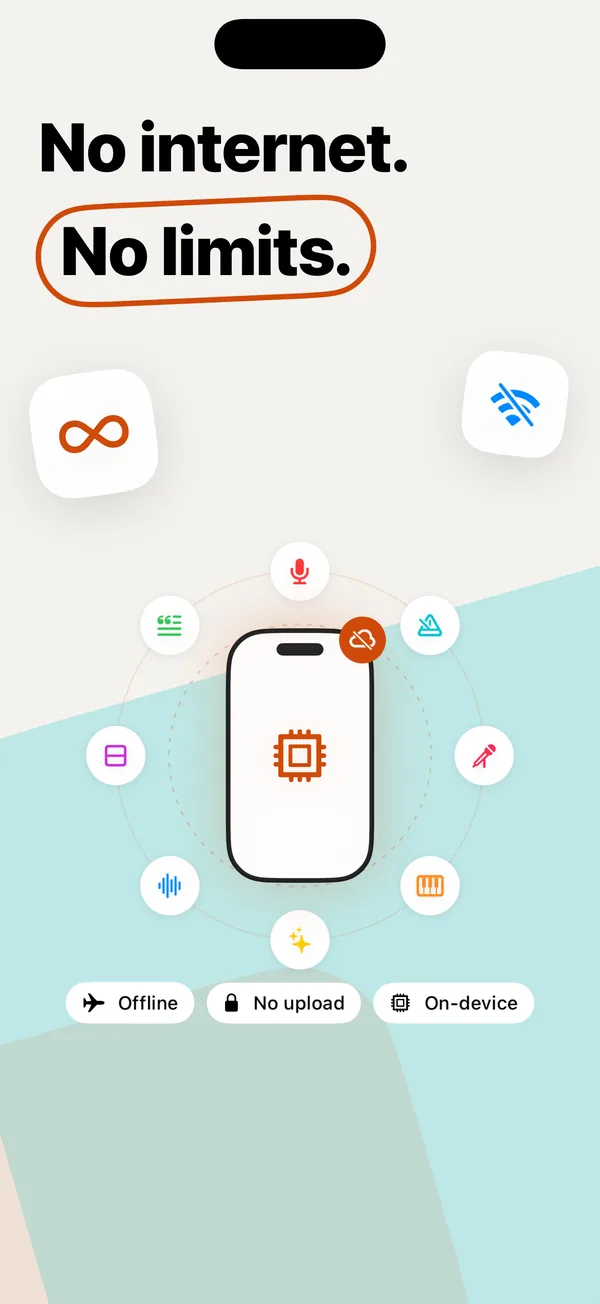
Most AI audio apps send your files to a server and sell you credits. Tembra has no server in the loop: the AI runs on your iPhone, so there is nothing to meter.
Every neural network runs on your iPhone’s chip. Once a model is downloaded, it works in airplane mode.
Songs, prompts, lyrics, texts and voice recordings never leave your iPhone. No account needed, no ads, no tracking.
Create and split as much as you like, for free. No queue, no minutes, no tokens.
Everything is free to create and listen to. Subscribe, or buy once, when you want to keep your tracks.
$0
$6.99 / month
$39.99 / year
$89.99 once
Prices in US dollars; the App Store charges in your local currency. The 7-day free trial on the yearly plan is for new subscribers. Payment is charged to your Apple ID when the trial ends, or at purchase. Subscriptions renew automatically unless you turn off auto-renewal at least 24 hours before the end of the current period; manage or cancel in Settings › your name › Subscriptions. Lifetime is a one-time purchase. See the Terms of Use and Privacy Policy.
The AI that makes your music, songs, sound effects, speech and stems runs on your iPhone, not on our servers. Your files, prompts, lyrics and recordings never leave the device.
Yes. Creating, splitting, speech and listening have no credits, minutes or daily caps, because your iPhone does the work. The only daily limit on the free plan is “Sound like this” (2 a day).
Yes. You need a connection once, to download a model. After that everything works in airplane mode.
Any iPhone with iOS 18 or later. Music with vocals and your own voice need iPhone 15 Pro or newer, because their models need 8 GB of memory. Newer iPhones are faster.
Each one downloads only when you first use it: music about 880 MB, sound effects about 480 MB more, music with vocals about 6.7 GB, the lyrics assistant about 2.6 GB. Built-in voices come with the app.
Creating, splitting, mixing and listening are free. Premium lets you save, export and share your tracks, mixes, music, songs, sounds and speech. Choose monthly, yearly or a one-time Lifetime purchase.
New subscribers get 7 days free on the yearly plan. We remind you before the trial ends. Cancel at least 24 hours before it ends in Settings › your name › Subscriptions and you won’t be charged.
They are made by AI models on your iPhone and we claim no rights in them. Make sure your use is lawful, especially for commercial releases, and don’t imitate real artists.
Technically yes. Legally, use songs you have the rights to, or keep the results for personal practice such as karaoke and learning parts.